This page updated 5 May 2009
Version note: Applies to Second Site 6 & 7
This article provides a few tips on some basic functions in using Second Site to create webpages that can be shared by CD or by posting to a website. It is based on John Cardinal's 6 Steps to Second Site, which you may prefer to consult because it has links to other helpful pages on John's site.
John's recommended six steps to create your first site are:
TMG should not be running when you use Second Site.
Use the File > New... command to make a new Site Definition File (SDF). Second Site stores the options you select to customize your site in this file.
After you specify a file name the "Read default values from:" prompt will appear:
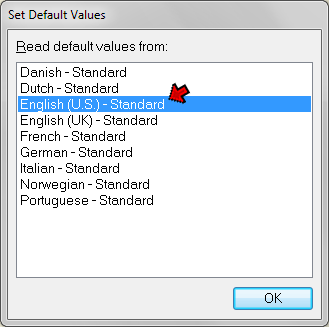
Select "English - Standard" unless your TMG project is working in another language.
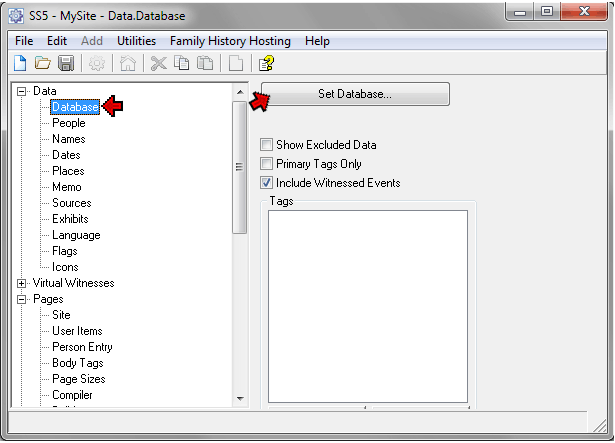
Click the "Set Database..." button in the Data > Database section, navigate to your TMG database in the File Open dialog, and click "Open."
Enter a title for your site in the Title field in Pages > Site section. Add a subtitle if you like:
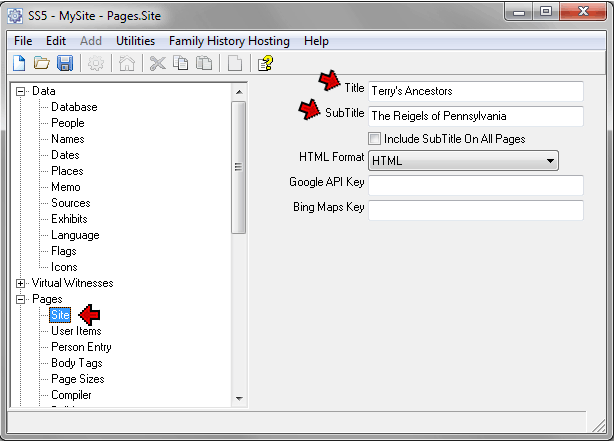
In the screenshot above I'd entered a Title and Subtitle.
Enter your name in the Name field in the Pages > Compiler section. Fill in the other fields in that section if you like:
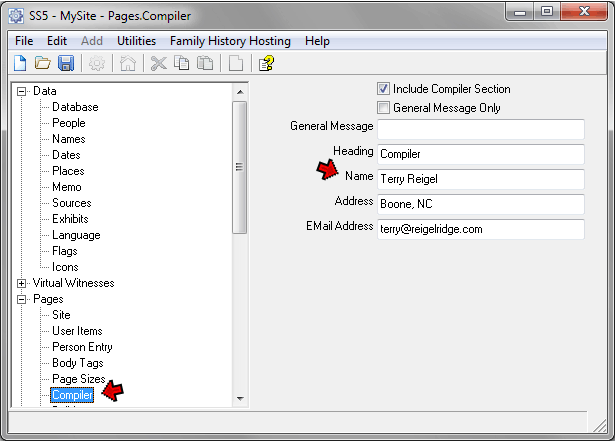
In this screenshot I've entered my name, address, and e-mail address.
Use the File > Make Site command, or click the "Make Site" button on the toolbar, to make the site:
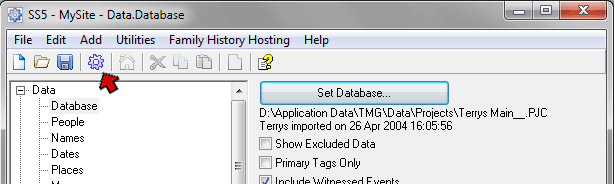
When Second Site is done making the site, a window will open with some status messages and some command buttons. Click the "Browse Site" button to open the main page of your site:
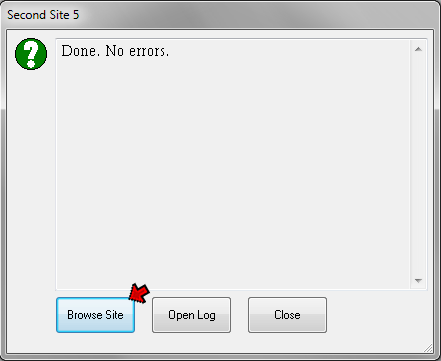
That's all there is to it! Your site is done, ready to review. After looking at it, you may want to look at John's very helpful website for more details about how to refine the site to your preferences, starting with his Using Second Site page. You may also want to look at my Second Site Overview article for some ideas for refining your site.
| ReigelRidge Home | Terry's Tips Home | Contact Terry |
Copyright 2000- by Terry Reigel